
English Proficiency Requirement
Learn about the English Proficiency Requirement for all KPU programs and make sure you meet the criteria by visiting:
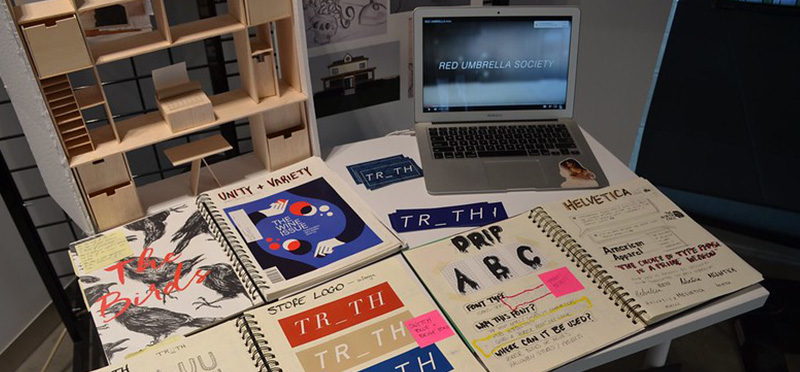
Entrance Package Requirements
Once your KPU application is submitted, you will receive access to SlideRoom to upload your materials in a clear, three-part portfolio that gives us insight into who you are.
Video
Create and submit a video that helps us get to know you better. Use your creativity to showcase your current skills and answer the questions provided below.
Video Guidelines:
- Who are you? Introduce yourself.
- What are your current skills? Use examples of your work to explain. (Painting, drawing, photography, video/animation, sculpture, sewing/costume design, model making, etc.)
- Why design? What do you hope to learn from the Foundations in Design program?
- Who is your favourite designer? Why?
Video Requirements:
- Must feature and be narrated by the applicant.
- Maximum 5 minutes, 500MB
- Allowed Formats: .m4v, .mov, .mp4, .wmv, .flv, .asf, .mpeg, .mpg, .mkv, or a YouTube/Vimeo link.
How to submit the required documents?
Once you have applied to KPU, you will receive email instructions on how to fulfill Admission Requirements.
Meet English Proficiency Requirement: Contact KPU Admissions if you need assistance with submitting official documents. If you are an international student, contact KPU International at international@kpu.ca. Please do not submit English Proficiency proof to SlideRoom.
Submit Entrance Package: After applying to KPU, you will receive a link to upload your Entrance Package onto the online submission portal, SlideRoom. Please ensure you have completed your online application on EducationPlanBC and reviewed the requirements before submission. Note that a supplemental fee and data privacy consent are required by the portal.
Interviews & Info Sessions
The Foundations in Design program does not require an interview. We also recommend attending one of our Information Sessions to connect with instructors, ask questions, and get a feel for the WSD community.
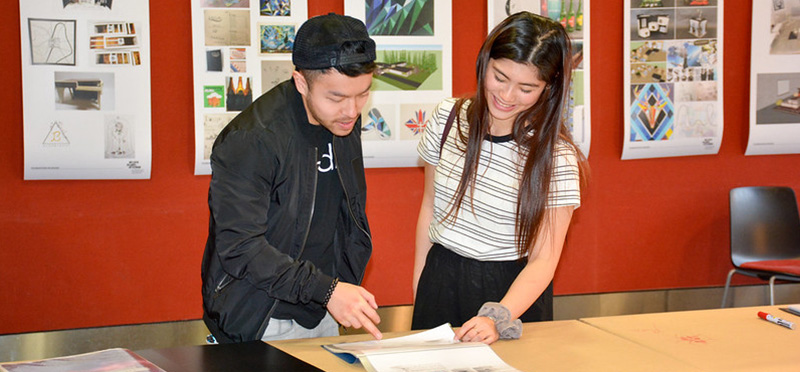
How to Submit
How to Apply
- Apply to KPU through EducationPlannerBC
- You’ll receive SlideRoom access via email
- Upload your full entrance package
- Submit and pay the supplemental SlideRoom fee
Questions?
Email design@kpu.ca.
We’re here to support you every step of the way.
Once you have applied to KPU, you will receive email instructions on how to fulfill Admission Requirements.
Entrance Package & Portfolio Plagiarism Agreement
Entrance Package & Portfolio submissions for the Wilson School of Design, both written and creative, must be entirely original and completed solely by the applicant. If a project is added that was completed as part of a group, the applicant must explicitly outline it was completed in a group within their submission and give appropriate credit to each member. Plagiarism, including copying, altering, or reusing another individual’s work (written OR visual) in any medium and presenting it as your own, is strictly prohibited. Additionally, the use of generative AI tools is also strictly prohibited. Any submission caught containing plagiarism, including AI-generated content, will result in application removal and a ban on future applications to KPU.